Now Reading: SSL Issues – How to Fix Mixed Content Warnings on Your Website
-
01
SSL Issues – How to Fix Mixed Content Warnings on Your Website
SSL Issues – How to Fix Mixed Content Warnings on Your Website
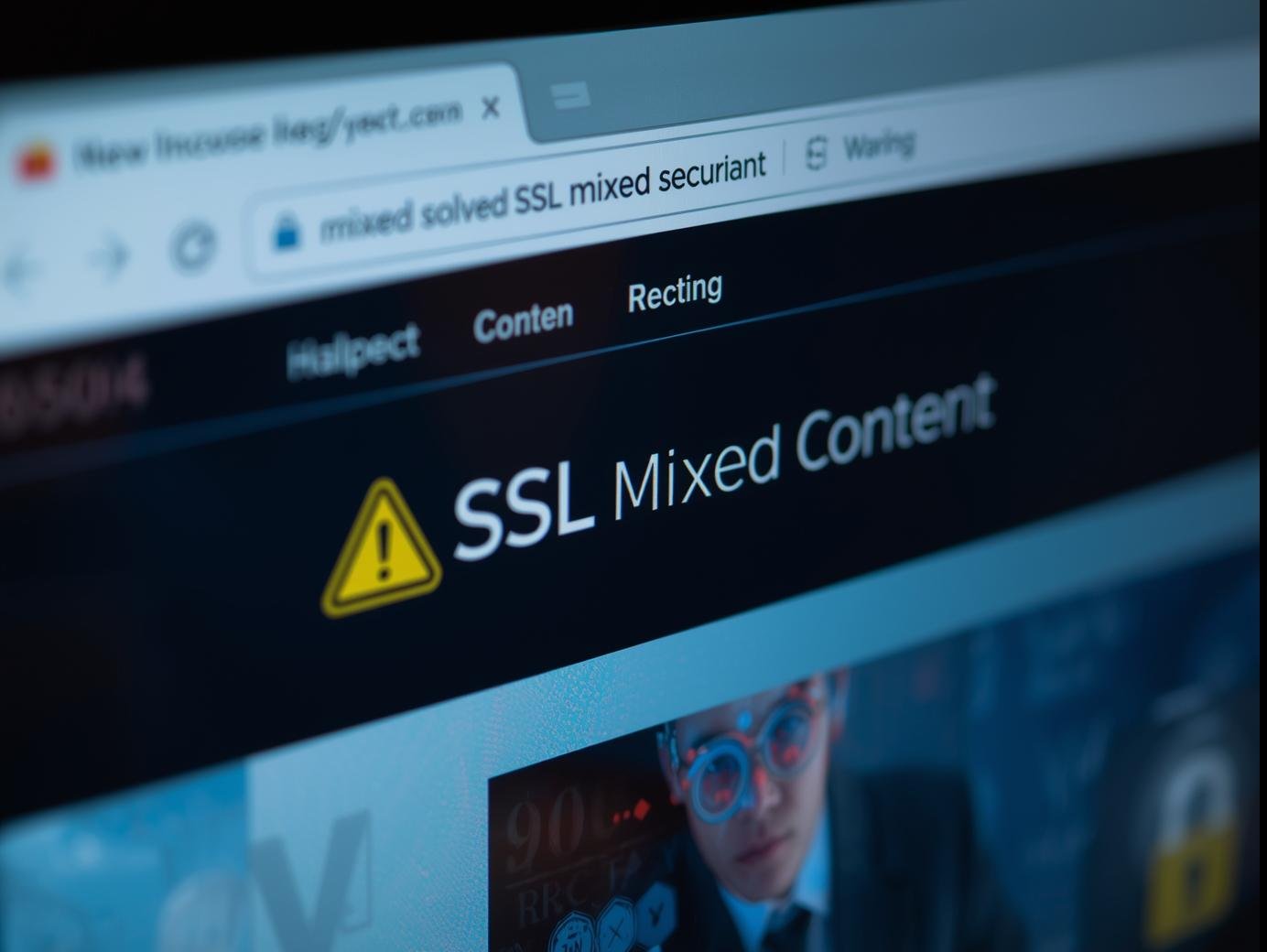
When you move your website to HTTPS for better security, sometimes things don’t go smoothly. One of the most common problems website owners face is the “Mixed Content Warning.” This happens when your website loads over HTTPS (secure), but some files like images, CSS, or scripts are still being pulled from HTTP (insecure) URLs.
At first glance, this may not sound like a big issue, but in reality, it can harm your website’s SEO, user trust, and even AdSense approval. Let’s dive deeper into what this issue means and how you can fix it.
What is Mixed Content?
Imagine you visit your website with a secure lock icon (🔒) in the browser. But suddenly, the lock turns into a warning sign ⚠️. That’s because your page is loading resources (like images, fonts, or JavaScript) from non-secure HTTP links.
So, your website is half secure and half insecure. Browsers don’t like that, and users definitely don’t feel safe when they see such warnings.
Why Should You Fix Mixed Content Issues?
-
Better Security – Hackers cannot intercept secure (HTTPS) resources, but if your site still loads HTTP files, it creates a loophole.
-
User Trust – Visitors may leave your site if they see security warnings.
-
SEO Ranking – Google favors secure websites. Mixed content can reduce your chances of ranking higher.
-
AdSense Approval – Google AdSense requires a safe and user-friendly experience. If your site shows security warnings, approval may be delayed or rejected.
Common Causes of Mixed Content
-
Images, CSS, or JS files hardcoded with
http://instead ofhttps:// -
External resources like Google Fonts or plugins using old HTTP URLs
-
Themes or WordPress plugins not updated for HTTPS
-
Old internal links pointing to
http://pages
How to Fix Mixed Content Warnings (Step by Step)
1. Check Your Website with a Tool
Use tools like Why No Padlock or browser developer tools (F12 → Console) to identify which resources are insecure.
2. Update Internal Links
-
Replace all
http://links withhttps://inside your posts, pages, and menus. -
In WordPress, you can use the Better Search Replace plugin to update old URLs.
3. Fix Theme and Plugin URLs
Some themes and plugins load images or scripts from HTTP. Update or replace them with secure versions. Always keep them updated to avoid future issues.
4. Use HTTPS for External Resources
-
If you are loading Google Fonts, YouTube videos, or analytics scripts, make sure they use
https://. -
Most major services already support HTTPS.
5. Force HTTPS
Add this rule in your .htaccess file (if using Apache):
This forces all traffic to load securely.
6. Use a Plugin (For WordPress Users)
Plugins like Really Simple SSL can automatically fix most mixed content issues with just one click. It’s simple and effective.
7. Clear Cache
After making changes, clear your browser and website cache (if using a caching plugin) to make sure updates apply correctly.
Final Thoughts
Fixing SSL mixed content warnings is not just a technical step – it’s about creating a trustworthy, secure, and professional website. If your website visitors feel safe, they’ll stay longer, engage more, and your chances of getting approved by Google AdSense will improve.
So, don’t ignore that little warning sign in your browser. Take action today, and make sure your website shows the green lock icon with full confidence.
👉 Learn more and explore digital solutions at SmartLifeSol.com.